Travel tips for turning creator videos into maps you can use
Short guides on a practical problem: you saved travel videos, and you need the places on a map. These articles cover Google Maps lists, Google My Maps imports, and how to work from a destination and a few creators.
-
Turn Saved Travel TikToks Into a Maps List by City
TikTok does not send saved videos to Google Maps. Build one list per city, then import a file into My Maps when the batch is large.
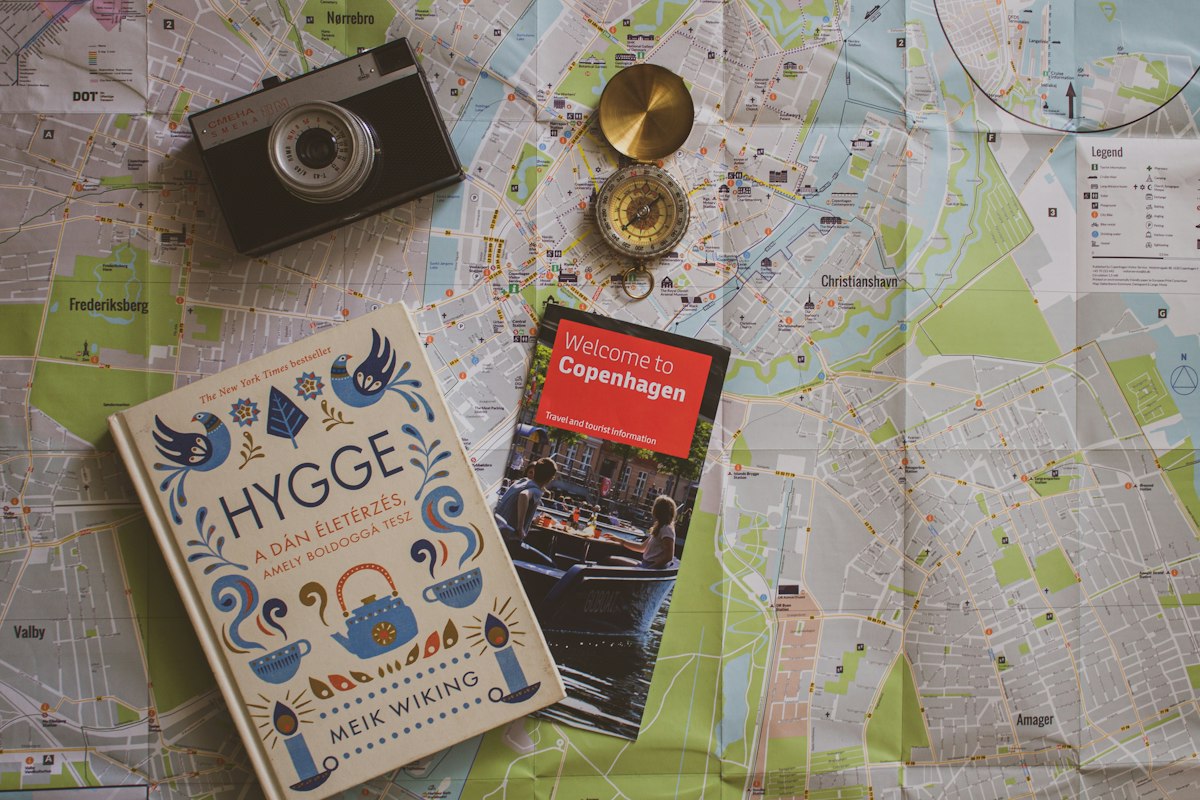
Photo by Olah Renáta Adrienn on Unsplash
-
Map a TikTok Creator's Travel Spots for One City
Work from one destination and one creator: collect named places, confirm them in Google Maps, and keep a single city list.

Photo by Gerald Schömbs on Unsplash
-
How to Import Travel Places Into Google My Maps
My Maps can import KML, CSV, and spreadsheets. It is not a Google Maps list. Official limits include a 2,000-row cap.

Photo by Aleksey Cherenkevich on Unsplash
-
A 5-Day Tokyo Itinerary You Can Follow on a Map
A 5-day Tokyo itinerary by neighborhood: Ueno and Asakusa, Harajuku and Shibuya, Shinjuku, central Tokyo, and a booked highlight you can follow on a map.
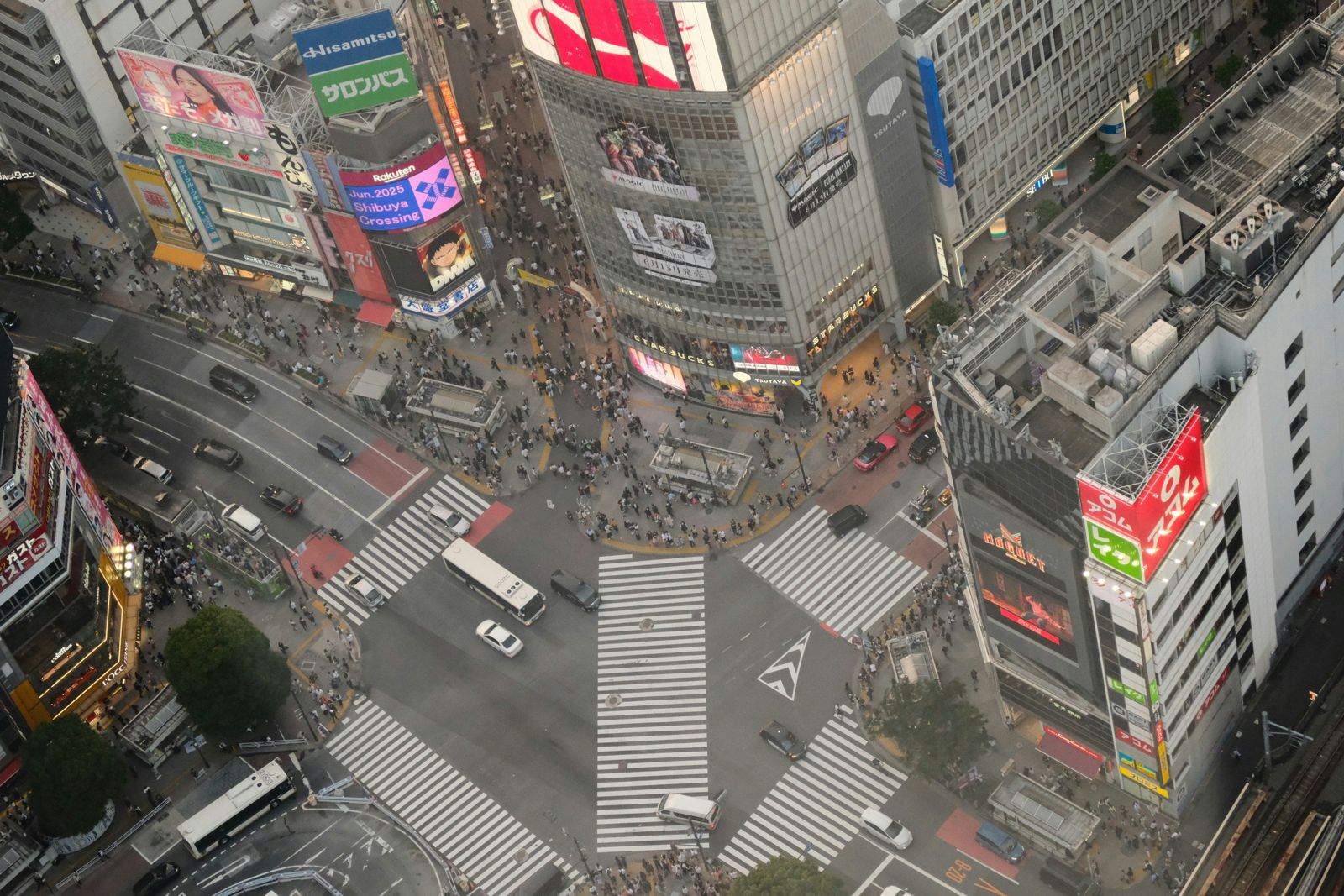
Photo by Manoa Angelo on Unsplash